AI music generators are no longer limited to making a short melody from a text prompt. Today, you can use them to create complete songs, instrumentals, beats, lyrics, and even separate parts of an existing track for editing.
But what can you actually do with one?
With MeloGen, the process starts with a simple idea. You describe the music you want—or provide lyrics—and the app turns that input into an audio track you can edit and save directly to your device.
Here are some of the most practical ways to use it.
Create a Complete Song From an Idea
You don't need to know how to play an instrument or build a song from scratch.
Describe the song you have in mind, choose the style and mood, and MeloGen can generate a complete song. You can also work from your own lyrics and turn them into a song with vocals and musical accompaniment.
For example, you might start with an idea such as:
“A slow atmospheric pop song about leaving your hometown.”
From there, you can explore different musical directions instead of trying to produce everything manually.
This makes AI music generation useful for people who have musical ideas but don't necessarily have the production skills to turn those ideas into finished audio.
Make Instrumentals and Beats
Not every project needs vocals.
MeloGen can also be used as an AI instrumental and beat maker. You can generate styles such as hip-hop, lo-fi, ambient music, rap instrumentals, and background tracks.
These can be useful for:
- YouTube videos
- Podcasts
- Games
- Short-form videos
- Personal projects
- Music experiments
- Background audio
Instead of searching through a large library hoping to find something close to what you need, you can describe the type of track you're looking for and generate one around that idea.
Generate Lyrics for a Song
Coming up with lyrics can sometimes be harder than coming up with the music itself.
MeloGen can help generate song lyrics, including verses, hooks, and choruses, which can then be used as the starting point for a complete song.
You can start with something broad, such as a theme or story, and develop it into a song rather than having to write every section from a blank page.
Of course, generated lyrics are still a starting point. You can refine the concept, wording, and structure to make the final result fit what you actually want to say.
Separate Vocals, Drums, Bass, and Other Stems
AI music generation is only one part of what you can do with MeloGen.
The app also includes AI stem separation, allowing you to isolate parts of a track such as vocals, drums, bass, and instrumental elements.
This can be useful when you want to:
- Remix a track
- Work with vocals separately
- Adjust individual parts
- Create instrumental versions
- Experiment with different combinations of a song
Instead of treating a finished audio file as one fixed piece, stem separation gives you more control over its individual components.
Edit Your Audio Without Switching Apps
Once you've generated your music, you don't necessarily need another application for basic audio editing.
MeloGen includes an audio editor for tasks such as trimming audio, merging MP3 files, and mixing tracks.
That means the workflow can stay in one place:
Create → Separate → Edit → Save
For someone making a quick track for a video or experimenting with a song idea, avoiding multiple apps can make the process considerably simpler.
Do You Need an Account?
No signup is required to use MeloGen.
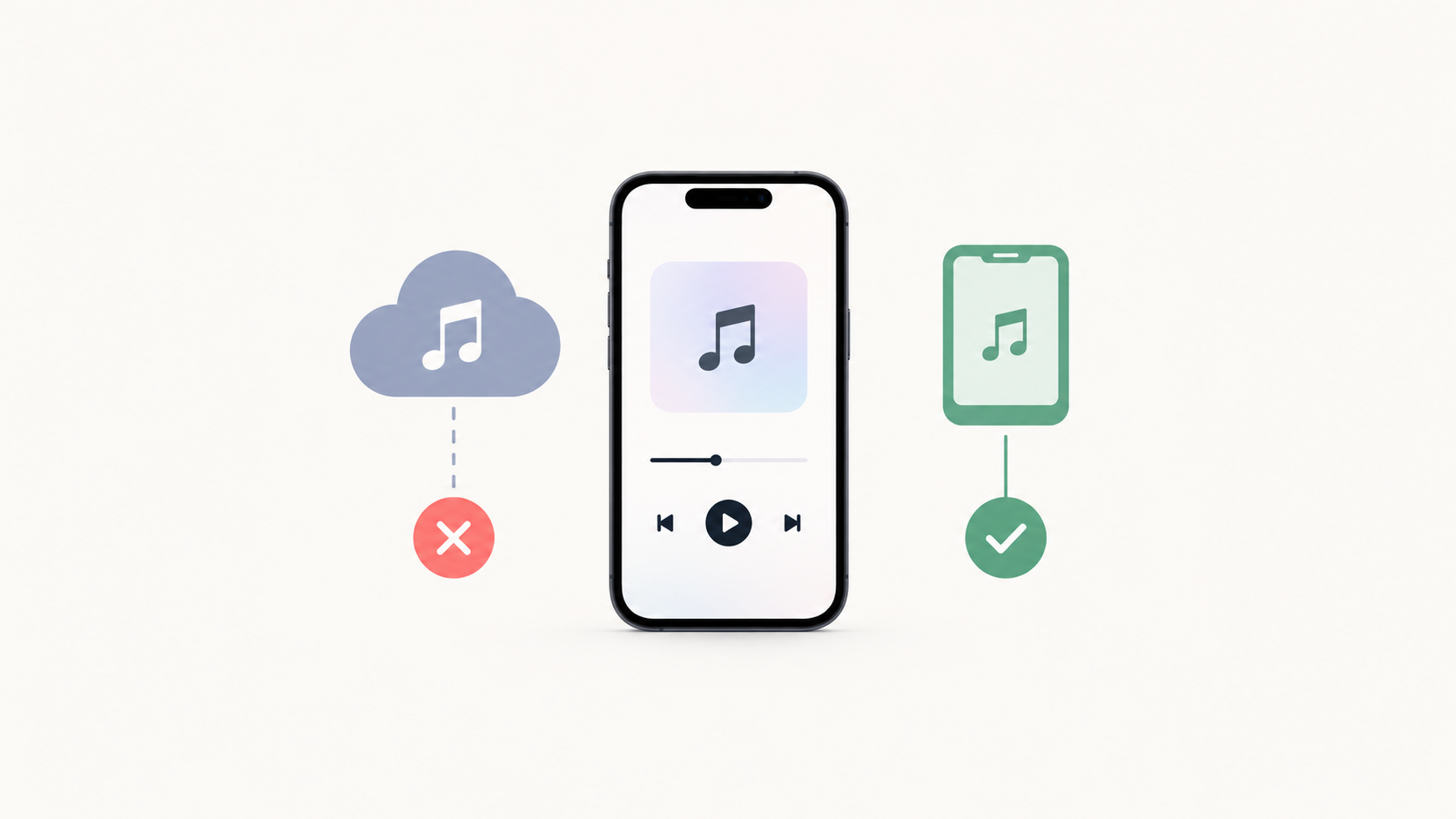
Generated tracks are saved as local audio files on your device, giving you direct access to the files rather than requiring you to keep them inside an online music library.
This also means your workflow doesn't depend on maintaining an account just to access the tracks you've created.
Is AI Music Generation Only for Musicians?
Not at all.
A music producer might use AI generation to explore ideas quickly. A content creator might need background music. A podcaster might want an intro. A game developer might need a particular atmosphere.
And a complete beginner might simply want to turn an idea into a song.
The point isn't to replace every part of music production. It's to make the process of getting from an idea to an audio file more accessible.
What Makes MeloGen Different?
MeloGen combines several parts of the music workflow in one mobile app.
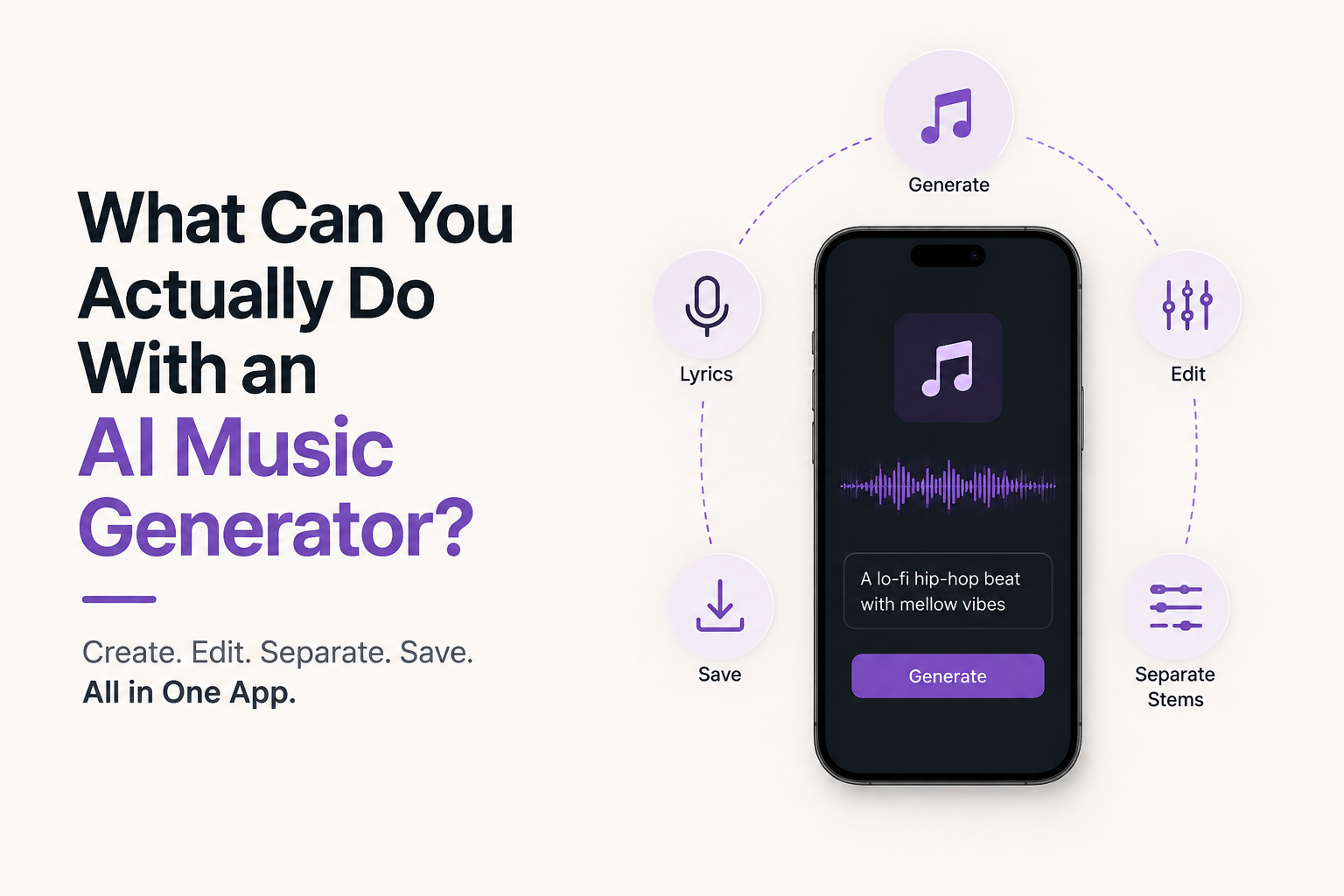
You can generate songs and lyrics, create instrumentals and beats, separate audio into stems, perform basic editing, and save the resulting files directly to your device.
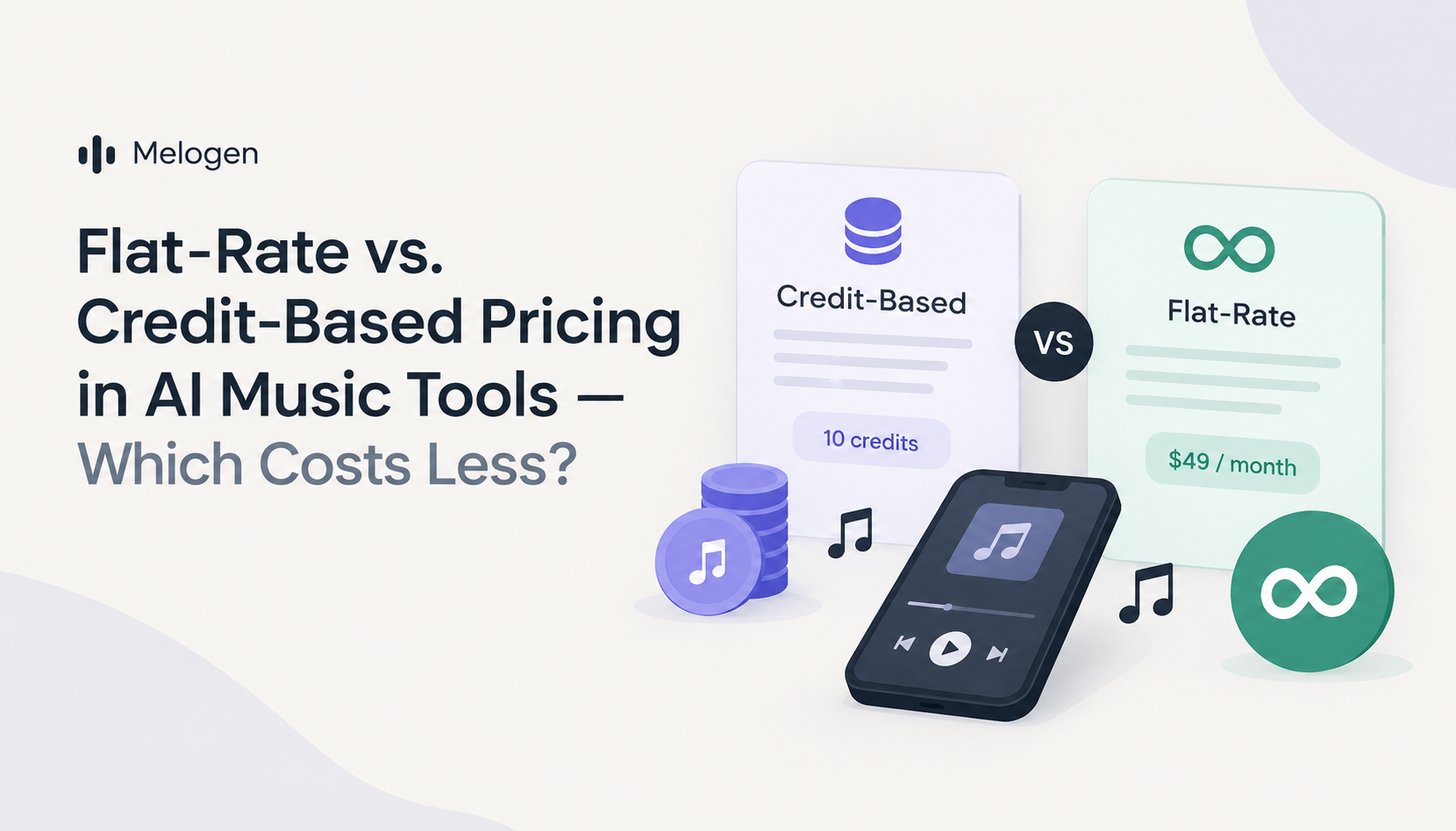
There is also no token or credit system. MeloGen uses a direct generation model through its subscription, rather than requiring you to purchase individual generation credits.
Start With an Idea, Not a Studio
You don't need to begin with a microphone, instruments, or a complicated production setup.
Start with a sentence.
Describe the sound you want. Add lyrics if you have them. Generate a track, experiment with it, separate the parts you want to work with, and edit the result.
That's the practical appeal of an AI music generator: you can start with an idea and see where it takes you.
MeloGen brings song generation, instrumental creation, stem separation, and audio editing together in one mobile app—without requiring an account to get started.